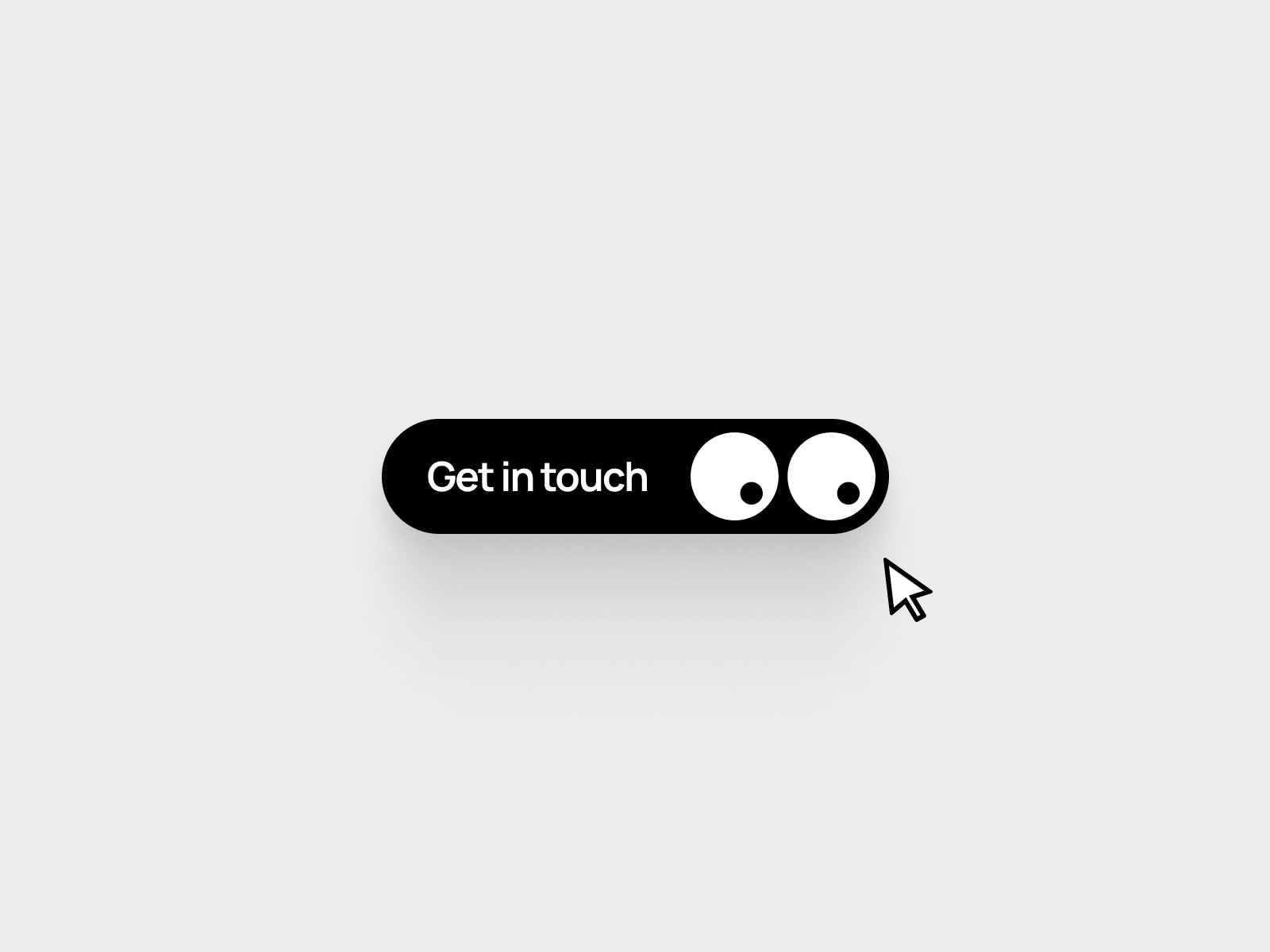
About Shift Button
Overview
Shift Button is a premium animated call-to-action component that brings delightful micro-interactions to your Framer projects. When users hover, the button smoothly shifts left with a satisfying bounce effect, revealing a directional arrow icon, creating an engaging visual cue that encourages clicks.
Instructions
Getting Started:
Add to Project: Copy and paste the Shift Button component into your Framer canvas
Customize Content: Click the component and edit the "Title" property in the right panel (default: "Shop now")
Style Your Button: Adjust colors using the BG Color, Icon Color, and Font Color controls
Fine-tune Typography: Use the Font Size slider to match your design system
Test the Interaction: Preview your page and hover over the button to see the smooth shift animation
All Styling: Because this is natively build inside the framer
Pro Tip: The button automatically adapts to your text length and maintains perfect proportions!
How It Works
Property Controls:
Key Features
Smooth Spring Physics: Built with optimized spring transitions for natural, bouncy motion
Fully Customizable: Control every aspect - colors, typography, and spacing
Responsive Design: Auto-adapts to text length and screen sizes
Hover Interactions: Engaging shift animation reveals directional arrow on hover
Native Framer Build: No code required - built entirely with Framer's native tools
Ready to Use: Drag, drop, and customize in seconds
Performance Optimized: Smooth 60fps animations on all devices
Accessible: Works with keyboard navigation and touch interactions
Use Cases
E-commerce & Products:
"Buy Now" CTAs on product pages
"Add to Cart" buttons with directional feedback
Checkout and payment action buttons
Shop category navigation
Marketing & Landing Pages:
Hero section primary CTAs
Newsletter signup buttons
"Learn More" / "Get Started" actions
Download and trial signup buttons
SaaS & Web Apps:
Dashboard action buttons
Form submit buttons with feedback
Upgrade/premium feature prompts
Feature exploration CTAs
Portfolios & Creative Sites:
Project case study navigation
Contact form submissions
Social media link buttons
"View Project" / "See More" interactions
Why Choose Shift Button?
Unlike static buttons, Shift Button adds personality and engagement to every interaction. The smooth spring physics and reveal animation create a sense of anticipation and delight, improving click-through rates while maintaining a professional, modern aesthetic.
Built natively in Framer means zero performance overhead and seamless integration with your existing designs.
Perfect for designers who want premium interactions without writing a single line of code!
Made with ❤️ by Soyeb
Refund Policy: Due to the digital nature of these components, all sales are final, and once delivered they cannot be returned or refunded. Please review product details and demos before purchasing, and feel free to reach out if anything is unclear.
If you have any questions, need a custom Framer component, want clarification, or run into any issues, you can always reach me out at heysoyebali@gmail.com. I’m here to help.