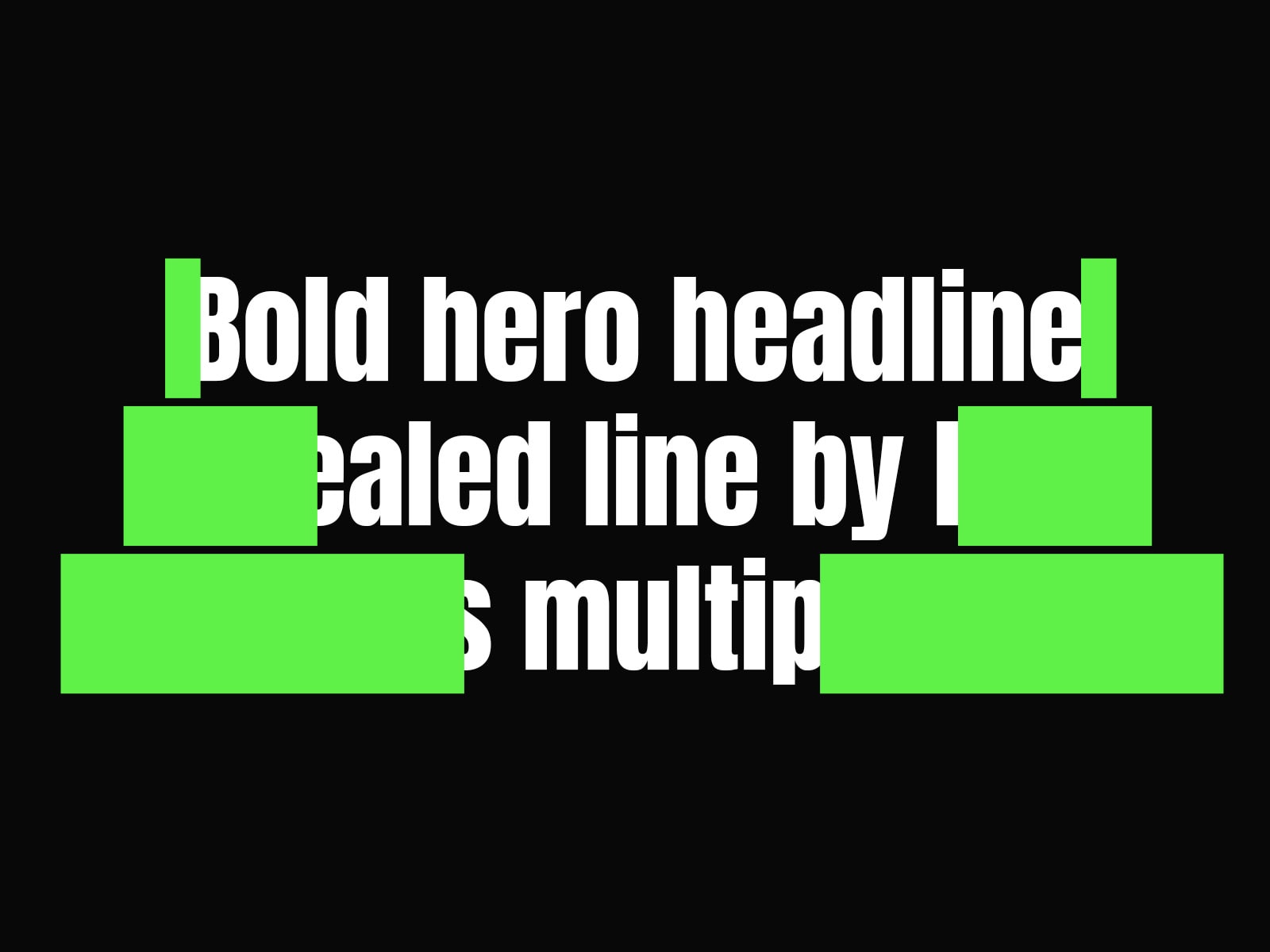
About Wipe Text Reveal
Wipe Text Reveal creates a clean, line-by-line text animation that gradually unveils paragraphs with a sleek wipe effect. As users scroll or when the element enters the viewport, each line of text is revealed in a staggered, linear motion. Fully customizable controls let you adjust font, colors, alignment, direction, duration, and reveal timing, making it perfect for hero sections, feature highlights, testimonials, or any content where you want an engaging text reveal.
Key Features:
Line-by-line reveal animation
Customizable wipe direction and duration
Staggered line animation for dynamic flow
Full typography control
Adjustable initial and reveal colors
Responsive and accessible design
Animation Properties
Direction
Options: Left → Right, Right → Left, Top → Bottom, Bottom → Top
Determines the direction of the wipe reveal for each line.
Duration
Sets the total time for the reveal of each line.
Stagger Delay
Defines the delay between the reveal of each consecutive line, creating a cascading effect.
Reveal Color
The color that lines transition to when revealed. Typically your primary brand or accent color.
Line Spacing
The space between lines of the effect, which separates the revealing containers
Best Practices
Stagger Delay: Adjust between 0.1–0.3s depending on paragraph length to maintain smooth readability.
Font Choice: Bold or medium-weight fonts are best for clear visibility during animation.
Contrast: Ensure sufficient contrast between the initial and reveal colors for accessibility.
Support & Assistance
If you have any questions, need help using the component, or encounter any issues, you can reach out to me at danielgrafix12@gmail.com. I’ll get back to you as soon as possible.