Framer vs Replit: Visual website building or code-first app development
Framer is an AI website builder where generated work stays editable on the visual canvas and can be published as a real website with CMS, SEO, hosting, and Framer Agents. For Replit users, it turns AI-assisted ideas into polished website pages that teams can edit without living in code.












Framer vs Replit: AI website workflow and app development compared
Feature | Framer | Replit | What this means for you |
|---|---|---|---|
AI website creation | Generates editable website pages on a visual canvas | Generates and edits code in a development workspace | Framer is stronger when the final output is a website the team can visually own |
Visual editing | Direct canvas editing for layout, type, motion, and breakpoints | Code-first editing with preview | Framer avoids prompt and code loops for visual polish |
CMS | Built-in CMS tied to page design | Custom data and app logic depend on implementation | Framer is faster for structured marketing content |
SEO and AEO | Metadata, page structure, redirects, performance, and publishing controls | SEO depends on how the app or site is built | Framer keeps search work close to page editing |
Hosting and publishing | Built-in website hosting and publishing | App hosting and deployments for coded projects | Framer is simpler for website launches |
Collaboration | Comments, branches, reviews, and visual editing | Developer-oriented project collaboration | Framer fits design and marketing review workflows better |
Developer flexibility | Code components, overrides, and External Agents | Strong full-stack coding environment | Replit is stronger for apps; Framer is stronger for websites |
Ongoing updates | Designers and marketers can update pages directly | Updates usually happen through code and project changes | Framer reduces dependency on developer queues |
Best fit | Marketing sites, landing pages, CMS sites, and SEO pages | Apps, prototypes, custom software, and full-stack projects | Choose based on whether you’re building a website or software |
Framer vs Replit pricing: plan-by-plan comparison
Plan | Framer | Replit | What this means for you |
|---|---|---|---|
Free | $0 with 500 AI credits and 1 GB bandwidth | Starter, free, daily AI credits | Both free plans are AI credit based |
Basic | $10/mo with custom domain, CMS, and built-in SEO | Core, $18/mo billed annually | Framer Basic includes hosting and CMS |
Pro | $30/mo with staging, branching, and 10 CMS collections | Pro, $90/mo billed annually | Framer Pro is $30; AI credits stack on top |
Enterprise | Custom pricing with SSO and unlimited editors | Enterprise, custom | Both top tiers are custom |
Why Framer fits AI-built marketing websites better than Replit


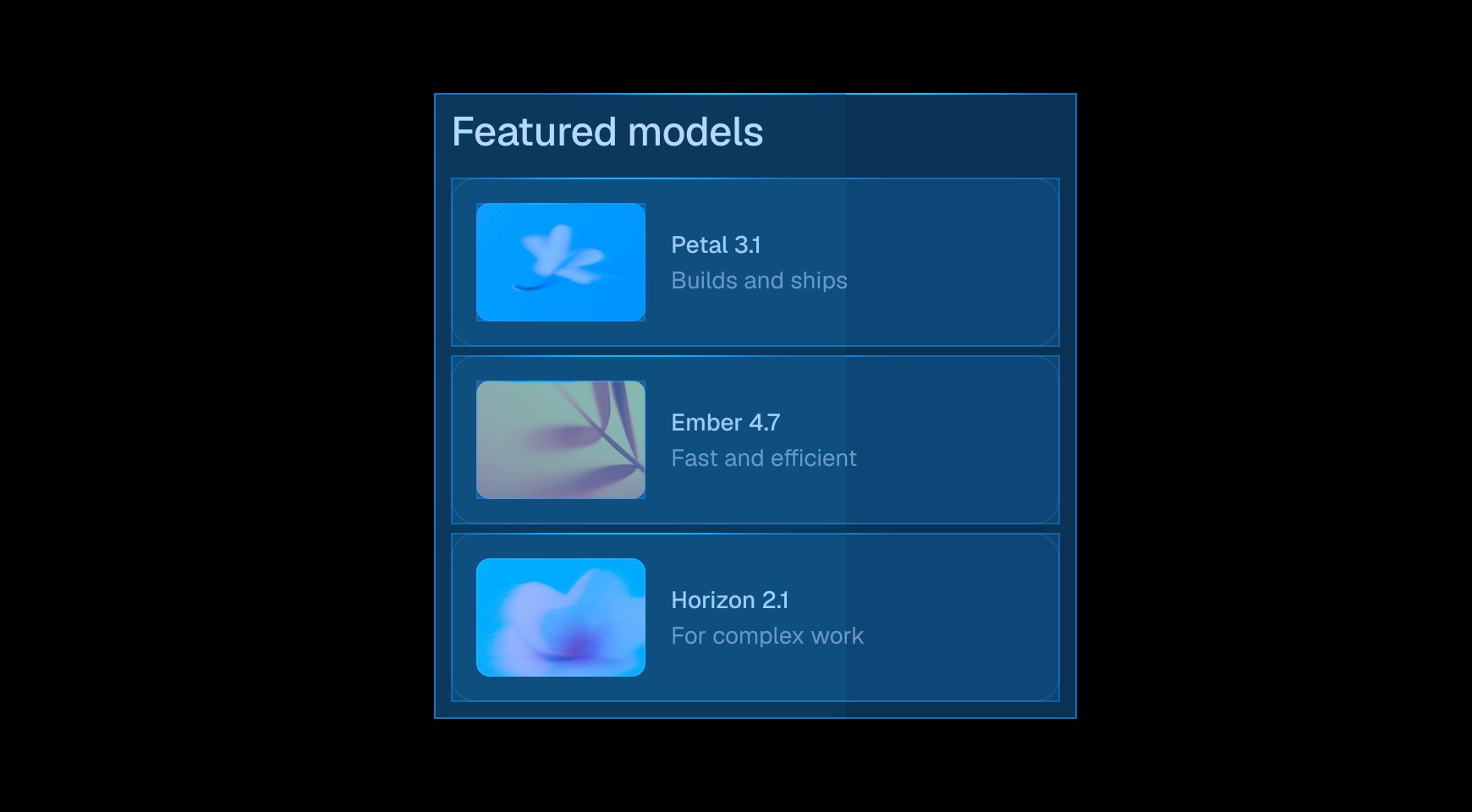

Framer turns AI-generated sections into responsive canvas layers that designers and marketers can refine directly. Teams can change layout, type, content, and interactions without tracing the result through application code.




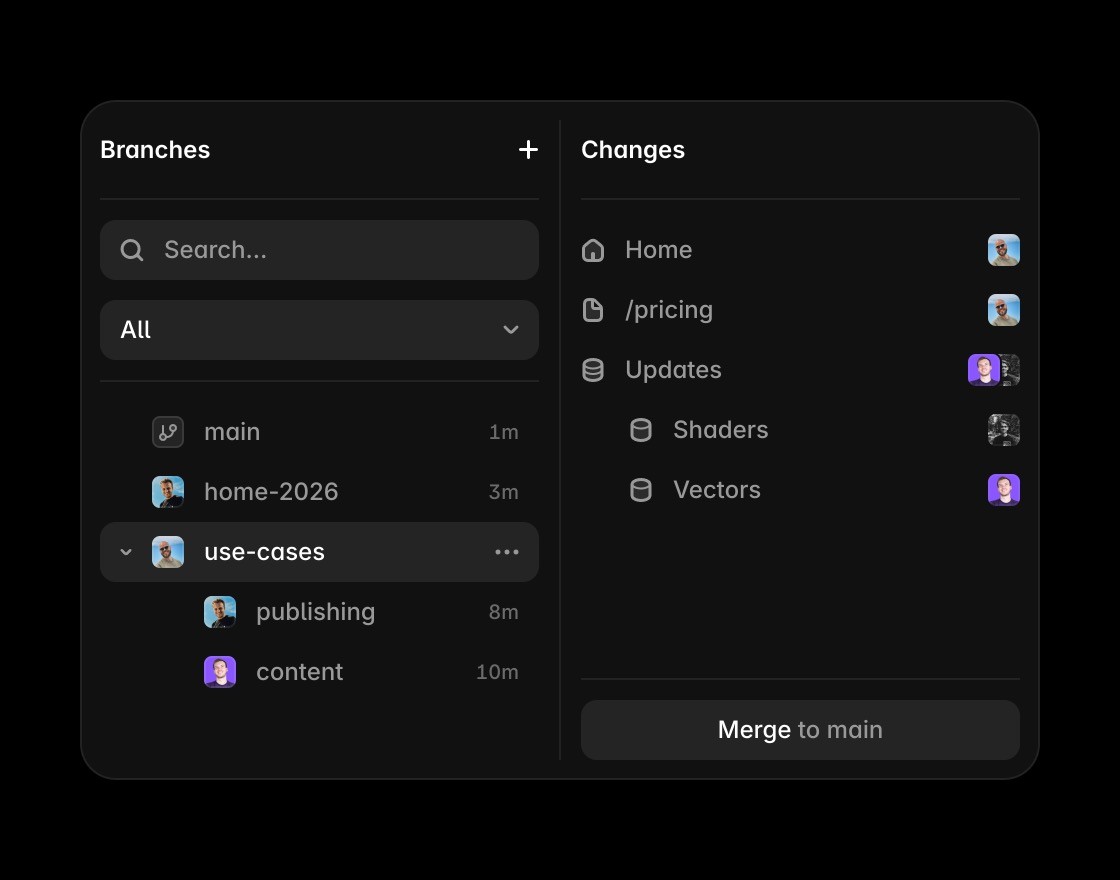
Website stakeholders can inspect a branch as a real page, leave feedback, and approve the visible result. The review stays focused on messaging, design quality, and conversion rather than implementation details.

Copy, CMS content, redirects, metadata, and publishing controls live in the website workspace. Marketing teams can ship routine updates without opening a development environment.


Replit is the stronger fit for backend logic, application state, APIs, and custom software. Framer is the stronger fit for branded websites that need visual control, search visibility, and frequent content changes.
Go from AI code workspace to live website
Framer Agents work on actual site pages while keeping AI changes editable on the canvas instead of only in generated code.
Connect external AI tools to Framer when code assistants need project context, while keeping the website editable.
Use the canvas when AI-generated code needs visual refinement, responsive layout control, and team editing.
Framer CMS is useful when Replit prototypes need to become landing pages, comparisons, or content hubs teams can manage.
Framer keeps metadata, headings, FAQs, and answer-ready copy in the same workflow used to edit the page.
Framer turns AI-assisted website work into a hosted, publishable update without staying in a code deployment loop.
Pick the production environment that matches the outcome



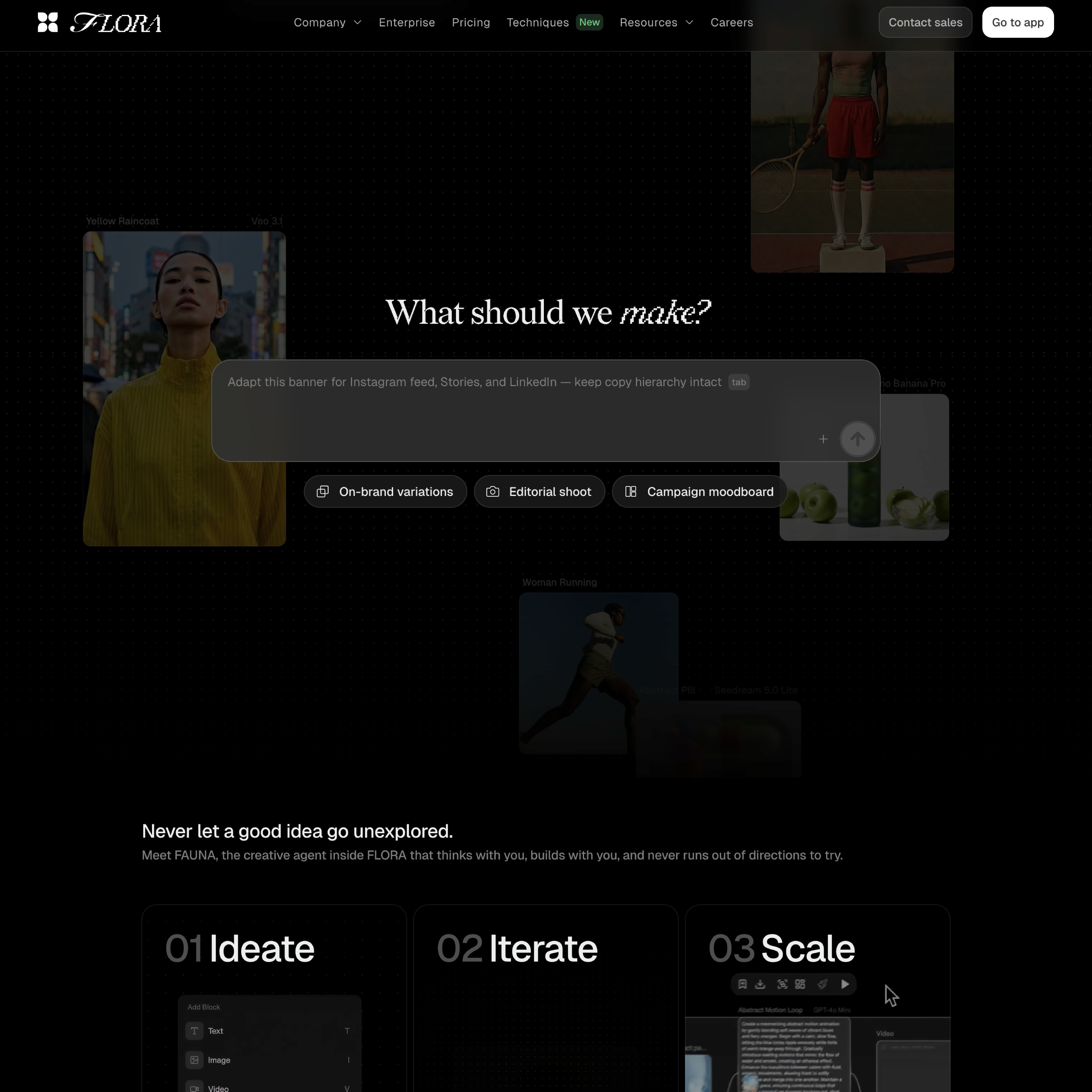



Compare Framer with other tools















Frequently asked questions
Is Framer better than Replit for AI website building?
Yes, when the goal is a polished, editable, published website. Replit is powerful for AI-assisted coding and full-stack app development, but Framer is stronger for website teams that need visual design control, CMS, SEO, hosting, and ongoing page updates in one workflow.
Can Framer replace Replit for website projects?
Framer can replace Replit for marketing websites, landing pages, CMS sites, campaign pages, and SEO pages where the team needs to design, edit, publish, and maintain the site visually. Replit may still be the better choice for custom software, backend logic, or app projects that need a code-first environment.
What makes Framer easier for non-developers?
Framer keeps layout, content, CMS fields, SEO settings, and publishing controls close to the visual page. Designers and marketers can make updates directly instead of asking developers to modify code, regenerate components, or manage deployment steps.
How does Framer handle publishing compared to Replit?
Framer includes website hosting, publishing, performance, metadata, redirects, and CMS workflows in the same platform. Replit can host coded projects, but website publishing usually depends more on how the project is built. Framer is simpler when the output is a production website.
Why use Framer instead of a code-first AI workflow?
Code-first AI workflows are useful for software, but websites need visual polish, responsive control, brand consistency, content updates, SEO, and publishing. Framer gives teams AI assistance while preserving direct visual control over the final site.
When should teams choose Replit instead?
Teams should choose Replit when they are building software, custom app logic, backend-connected prototypes, or projects that require a full coding environment. Teams should choose Framer when they are building a marketing website, CMS site, landing page, or brand experience that needs to stay editable and publish-ready.
