Framer vs v0: A visual website system or a full-stack app generator?
v0 creates modern web applications, defaults to a Next.js-centered stack, connects databases and APIs, syncs with GitHub, and deploys through Vercel. Framer centers brand websites that designers and marketers can keep editing. Both use AI, but the production workflow after generation is materially different.












Framer vs v0 for AI generation, code, content, and production
Decision factor | Framer | v0 | How to read the difference |
|---|---|---|---|
Primary output | Visually managed marketing website | Generated full-stack web application | The ongoing owner differs as much as the output |
Technology model | Framer canvas, CMS, components, and hosting | Next.js-centered code with integrations | v0 exposes a conventional application stack |
Backend | CMS, forms, integrations, and code components | Routes, databases, authentication, and APIs | v0 supports deeper product logic |
Code ownership | Managed platform with extensibility | GitHub sync, editor, branches, and deployable source | v0 fits engineering-led ownership |
Site operations | SEO, redirects, domains, staging, and publishing | Vercel projects, previews, and deployments | Framer packages the marketing-site workflow |
Best fit | Brand, content, and campaign websites | SaaS apps, dashboards, tools, and coded front ends | Choose according to what must be maintained after launch |
Framer website plans vs v0 credits, teams, and Vercel usage
Pricing question | Framer | v0 | Planning note |
|---|---|---|---|
Free entry | Free site and included AI credits | Free plan with limited generations | Both support low-risk experimentation |
Individual paid plan | Basic or Pro according to site needs | Premium is listed at $20 per month | One plan funds site operations; the other funds generation |
Team plan | Editors and capacity vary by Framer tier | Team is listed at $30 per user per month | Compare who edits visually with who works in code |
Production cost | Managed hosting is included within site limits | Vercel projects and integrated services may have their own usage | A full-stack app can carry separate infrastructure costs |
Choose Framer when the long-term owner is a website team


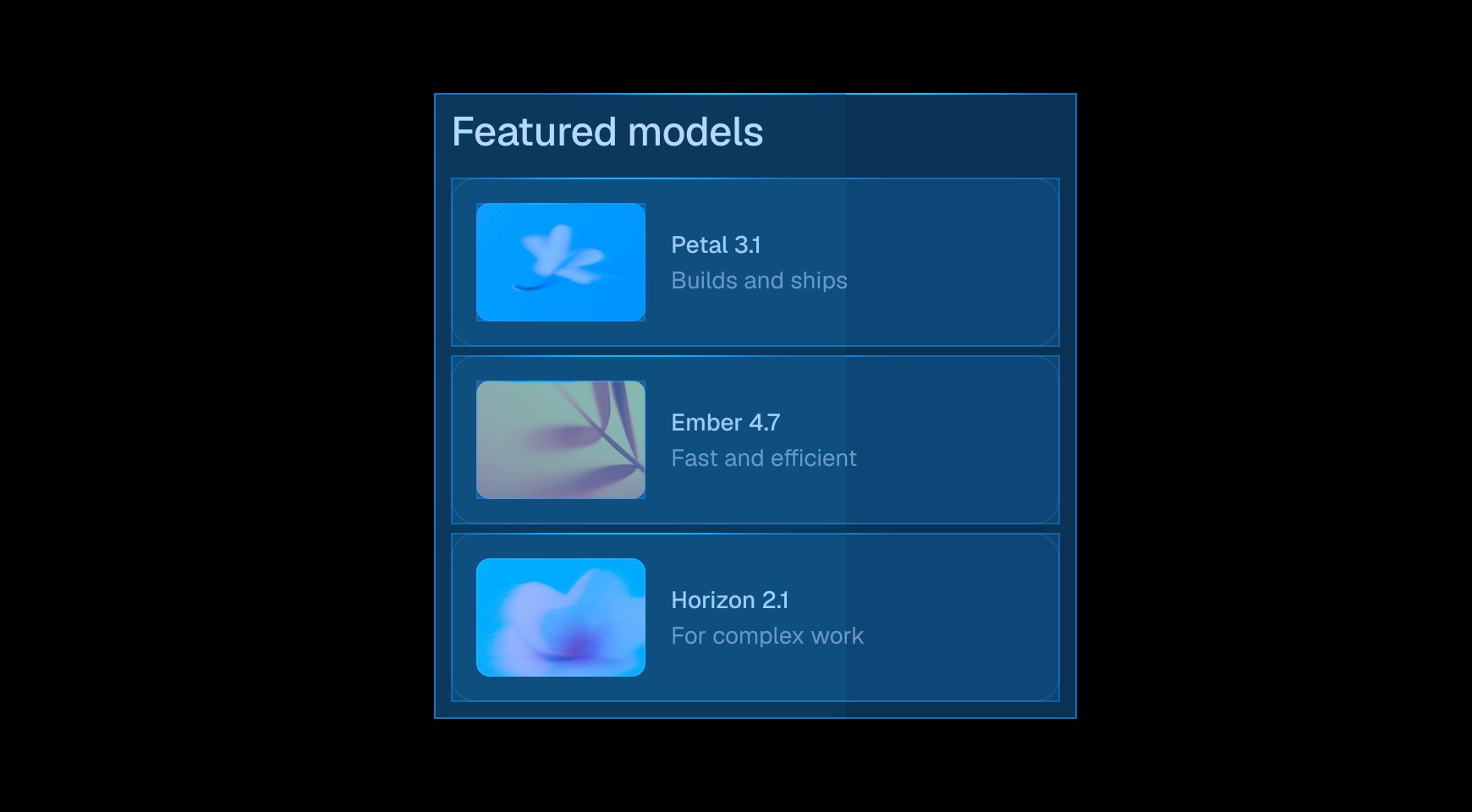

Framer's canvas keeps spacing, typography, responsive layout, motion, and components directly editable without requiring the team to reason through generated React code.




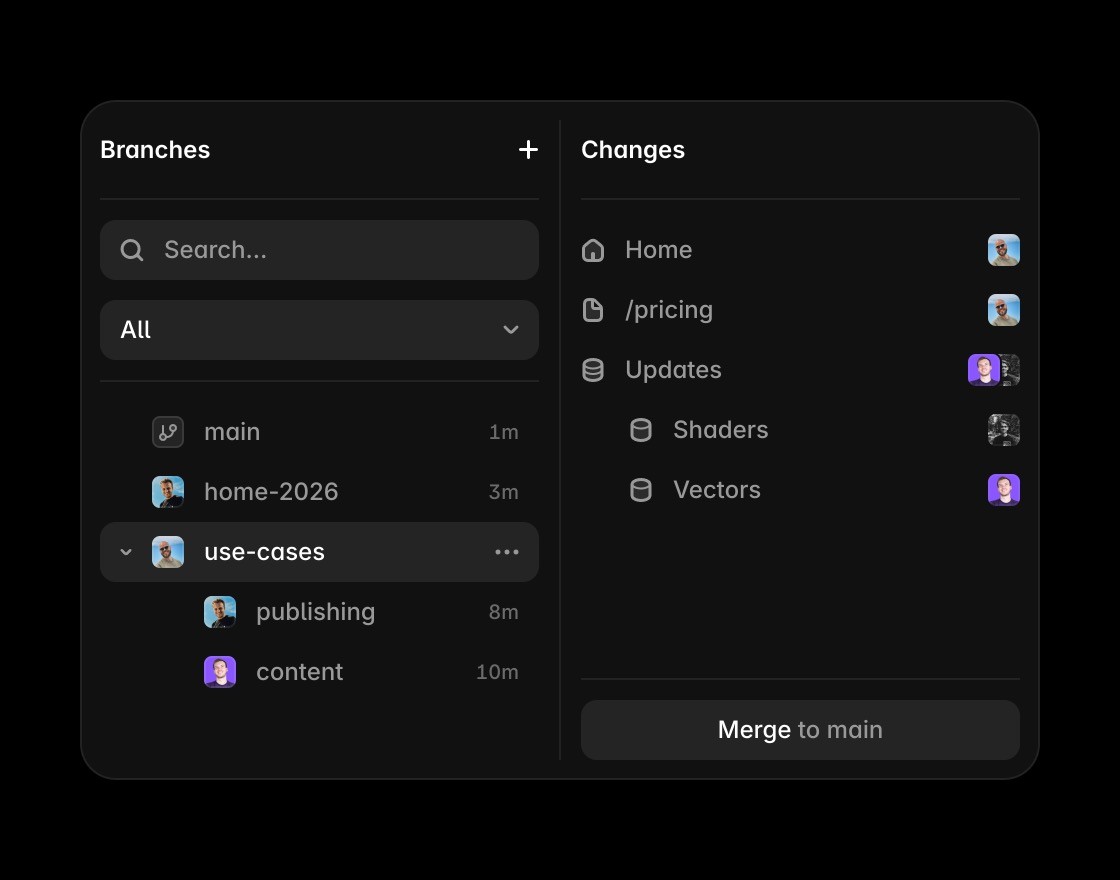
Collections and detail pages support editorial and marketing content without provisioning a database, writing queries, or defining application endpoints.

SEO controls, redirects, domains, hosting, and visual branch review are part of the same product as the page design.


v0 is the better fit when the build needs Next.js code, server routes, authentication, databases, APIs, or an existing GitHub repository.
Go from AI interface to live website
Framer Agents work on actual site pages while keeping AI changes editable on the canvas instead of only in generated output.
This comparison fits External Agents because Codex, Claude Code, Cursor, and similar tools can connect to Framer workflows.
Use the canvas when generated code or UI needs visual refinement, responsive layout control, and team editing.
Framer CMS is useful when v0 output needs to become landing pages, comparisons, or content hubs teams can manage.
Framer keeps metadata, headings, FAQs, and answer-ready copy in the same workflow used to edit the page.
Framer turns AI-assisted website work into a hosted, publishable update without staying in a code deployment loop.
The practical verdict on Framer vs v0






Compare Framer with other tools















Frequently asked questions
What is the main difference between Framer and v0?
v0 creates modern web applications, defaults to a Next.js-centered stack, connects databases and APIs, syncs with GitHub, and deploys through Vercel. Framer centers brand websites that designers and marketers can keep editing. Both use AI, but the production workflow after generation is materially different.
Who should choose Framer over v0?
Framer is built for a site the brand team will keep shaping. v0 is built for an application whose code, integrations, and runtime are part of the product. Framer's canvas keeps spacing, typography, responsive layout, motion, and components directly editable without requiring the team to reason through generated React code.
When is v0 the better choice?
v0 is the better fit when the build needs Next.js code, server routes, authentication, databases, APIs, or an existing GitHub repository.
How does the editing workflow differ from v0?
Model editorial pages without backend setup. The CMS is available as part of the website rather than added through a database integration. The team sees the same page through design, approval, and production instead of coordinating separate application services.
How should a team compare Framer and v0 pricing?
v0 lists Free, Premium, Team, and Enterprise access, while Vercel and integrated services may add runtime cost. Framer plans bundle the marketing site's visual editor, CMS, SEO controls, and managed publishing.
Can Framer and v0 be used together?
Teams can build an application in v0 and its public marketing site in Framer. A shared design language, domain strategy, analytics plan, and navigation handoff keep the two production systems coherent.
