Framer vs Unbounce: Landing page builder or complete website platform
Framer is an AI website builder for campaign pages, combining a freeform canvas, reusable sections, CMS, SEO, hosting, and publishing. For Unbounce teams, it brings campaigns and the main website into one system.












Framer vs Unbounce: Landing pages, testing, CMS, and SEO compared
Feature | Framer | Unbounce | What this means for you |
|---|---|---|---|
AI website building | AI landing pages tied to full site workflow | Campaign-focused AI tools | Turn campaign pages into part of the main site |
Campaign workflow | Reusable sections and CMS pages | Landing-page editor for tests | Keep campaigns consistent with the website |
Framer Agents | Agents update pages, CMS, SEO, copy | No site-wide agent workflow | Improve campaigns and site pages together |
Design flexibility | Canvas, components, breakpoints | Campaign-focused controls | Keep landing pages aligned with brand systems |
CMS and content | CMS for campaigns and comparisons | Landing-page focused content | Scale campaign content beyond one-off pages |
SEO and AEO | Metadata, headings, answer sections | Search sits outside testing workflow | Build landing pages that support organic search |
Testing and review | Branch, review, publish approved changes | Testing is separate from site review | Coordinate campaigns with the full website team |
Publishing | Hosting, SSL, CDN, redirects | Hosted landing pages | Publish campaigns and site pages together |
Pricing structure | Site plans plus editor seats | Campaign-focused landing plans | Framer consolidates campaign and website work |
Best fit | Campaigns inside a broader website system | Unbounce fits standalone landing page testing | Choose Framer when campaigns and site should connect |
Framer vs Unbounce pricing: plan-by-plan comparison
Plan | Framer | Unbounce | What this means for you |
|---|---|---|---|
Free | $0 with 500 AI credits and 1 GB bandwidth | No free plan, 14-day trial | Only Framer builds free indefinitely |
Basic | $10/mo with custom domain, CMS, and built-in SEO | Starter, $22/mo billed annually | $10 buys a full site, not just landing pages |
Pro | $30/mo with staging, branching, and 10 CMS collections | Build, $74/mo; Experiment, $112/mo | Framer Pro covers the whole site for $30 |
Enterprise | Custom pricing with SSO and unlimited editors | Optimize, $187/mo; agency tiers, custom | Framer is quoted to fit, not tiered by traffic |
Why teams build landing pages and the main site in Framer


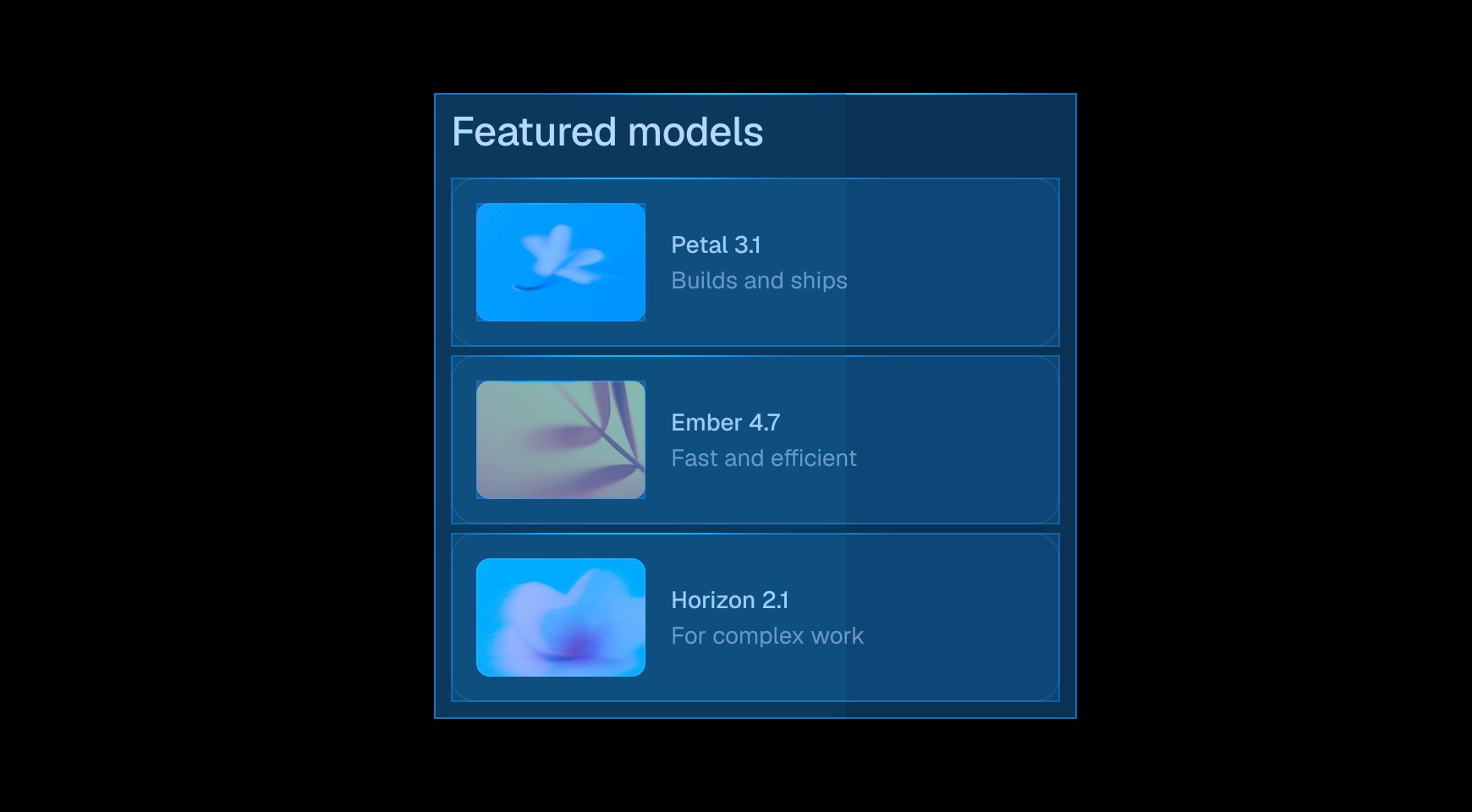

Framer lets teams create a focused landing page without placing it in a separate campaign stack. The page can reuse the website’s components, type styles, navigation patterns, and CMS content from the start.




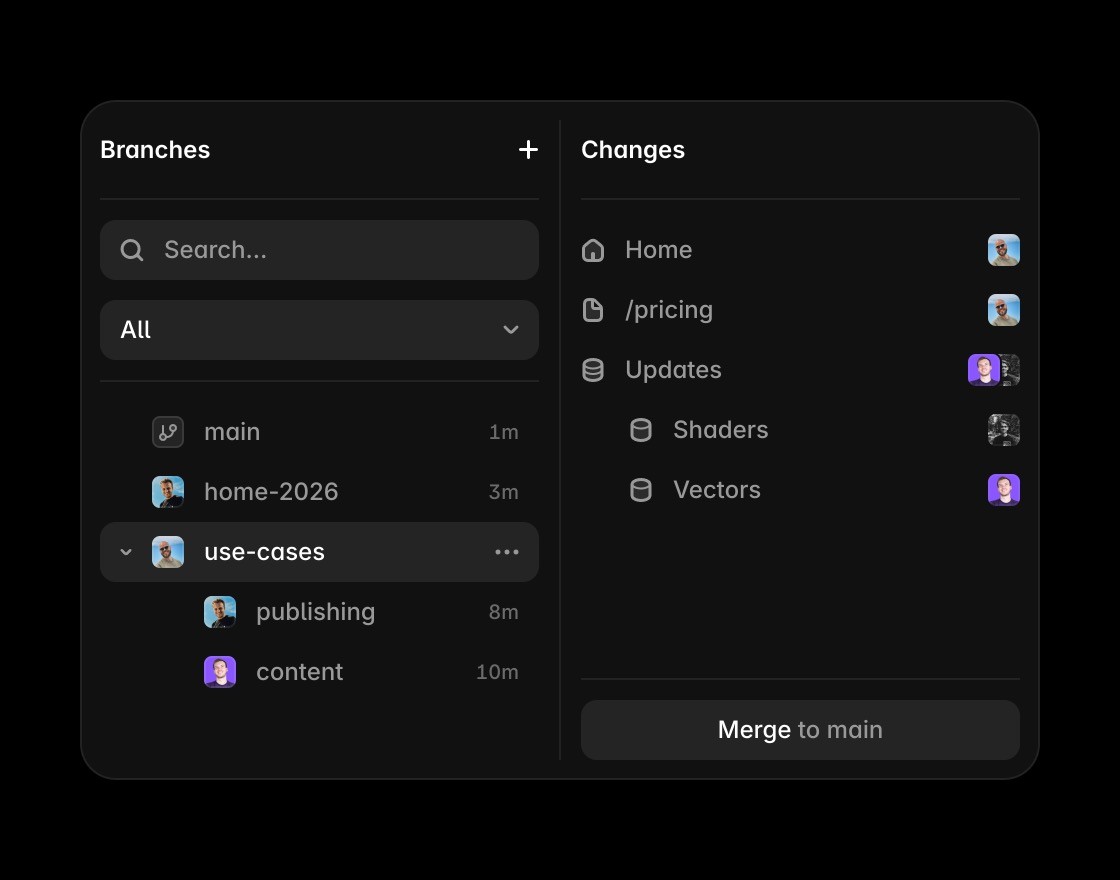
Teams can branch a page, change the offer or layout, review the result, and publish from the same workspace. Campaign experiments stay connected to the production website and its design system.

The freeform canvas gives designers control over breakpoints, typography, motion, and interaction. Campaign speed does not require settling for a page that feels detached from the core brand experience.


A proven campaign section can become a reusable component for product pages, event pages, or future launches. Teams keep the learning and the implementation instead of rebuilding each variation.
Turn landing pages into a website system
Framer adds AI-assisted creation for campaign pages that can become part of a complete website system.
Framer components help campaign pages stay consistent beyond one-off Unbounce tests and isolated variants.
Use Framer CMS when campaign pages, product pages, and comparison pages need shared structured content.
Framer helps landing pages support search with metadata, clear headings, answer-ready sections, and fast publishing.
Framer hosting lets campaign pages ship with SSL, CDN delivery, redirects, and performance handled in one platform.
Browse Framer resources that show how campaign pages connect to broader marketing and product websites.
Connect campaign velocity to the website system






Compare Framer with other tools














Frequently asked questions
Is Framer a better AI website builder than Unbounce?
Framer is better when landing pages need to connect to a full website system. Unbounce is focused on landing pages, while Framer supports AI-assisted page creation, visual design, CMS, SEO, reusable components, hosting, and publishing. It fits teams that want campaign pages and the main site in one workflow.
Can Framer replace Unbounce?
Framer can replace Unbounce for teams that want campaign pages, product pages, content pages, and full websites in one visual platform. It is strongest when landing pages should become part of the main site rather than a separate testing surface. That makes the decision easier for teams comparing tools by day-to-day ownership.
What makes Framer better for campaign teams?
Framer is better for campaign teams because it supports design control, collaboration, reusable sections, CMS content, SEO, and publishing beyond one-off landing page tests. Teams can create pages quickly while keeping them consistent with the rest of the site. It also keeps future updates practical for people who are not writing production code.
How does Framer handle SEO and full-site publishing?
Framer is strong for SEO-led campaign pages because they can live inside a broader site structure. Teams can manage CMS content, metadata, headings, answer-ready sections, performance, and publishing together instead of treating landing pages as isolated assets. That helps the page answer real search questions with concrete product context.
Why do teams switch to Framer?
Teams switch to Framer when they want campaigns and full websites in the same place. The canvas, CMS, components, hosting, SEO tools, and publishing workflow reduce separation between landing pages, product pages, and the main marketing site. It gives teams a clearer path from evaluation to ongoing website operations.
Why choose Framer for landing pages and full websites?
Framer is the better fit when campaign pages need to become part of a broader website system with CMS content, SEO, reusable sections, hosting, and long-term publishing control. The alternative can still fit standalone landing page testing when campaigns do not need to share a design system or website workflow.
