Framer vs Wix: Creative control or an all-in-one business suite?
Framer and Wix can both launch a hosted website with AI, CMS, and SEO tools. The useful distinction is ownership: Framer centers the visual design and publishing workflow, while Wix bundles a broader set of business tools such as stores, bookings, and customer management.












Framer and Wix compared by the job your site must do
Decision factor | Framer | Wix | How to read the difference |
|---|---|---|---|
Core job | Design and publish distinctive websites | Build websites plus business operations | Decide whether brand control or bundled operations lead |
AI workflow | Generate and edit pages on a visual canvas | AI builder and assistant across the Wix platform | Both accelerate setup; their editing models differ |
Design system | Freeform layout, components, effects, breakpoints | Templates plus drag-and-drop editors | Framer suits tightly art-directed marketing pages |
Business tools | Integrations and custom components | Native stores, bookings, payments, and CRM tools | Wix reduces the number of services a small business needs |
Release control | Staging and branching on Pro | Site history and team workflows | Framer gives campaign work a branch-based review path |
Best fit | Design, brand, and marketing teams | Small businesses needing an integrated suite | Choose around the operating model, not the feature count |
Framer vs Wix pricing for marketing sites and business sites
Pricing question | Framer | Wix | Planning note |
|---|---|---|---|
Try the platform | Free site on a Framer domain | Free site on a Wix domain | Both support no-cost evaluation |
Custom-domain marketing site | Basic includes CMS and site publishing | Paid site plans vary by region and included business features | Compare the features your team will actually operate |
Larger marketing workflow | Pro adds staging, branching, and higher CMS limits | Higher tiers add business, commerce, and collaboration capacity | The plans bundle different kinds of value |
Budget beyond subscription | Allow for integrations when business operations are complex | Allow for apps and payment-related services | Model the full operating stack, not only the headline plan |
Choose Framer when the website itself is the product


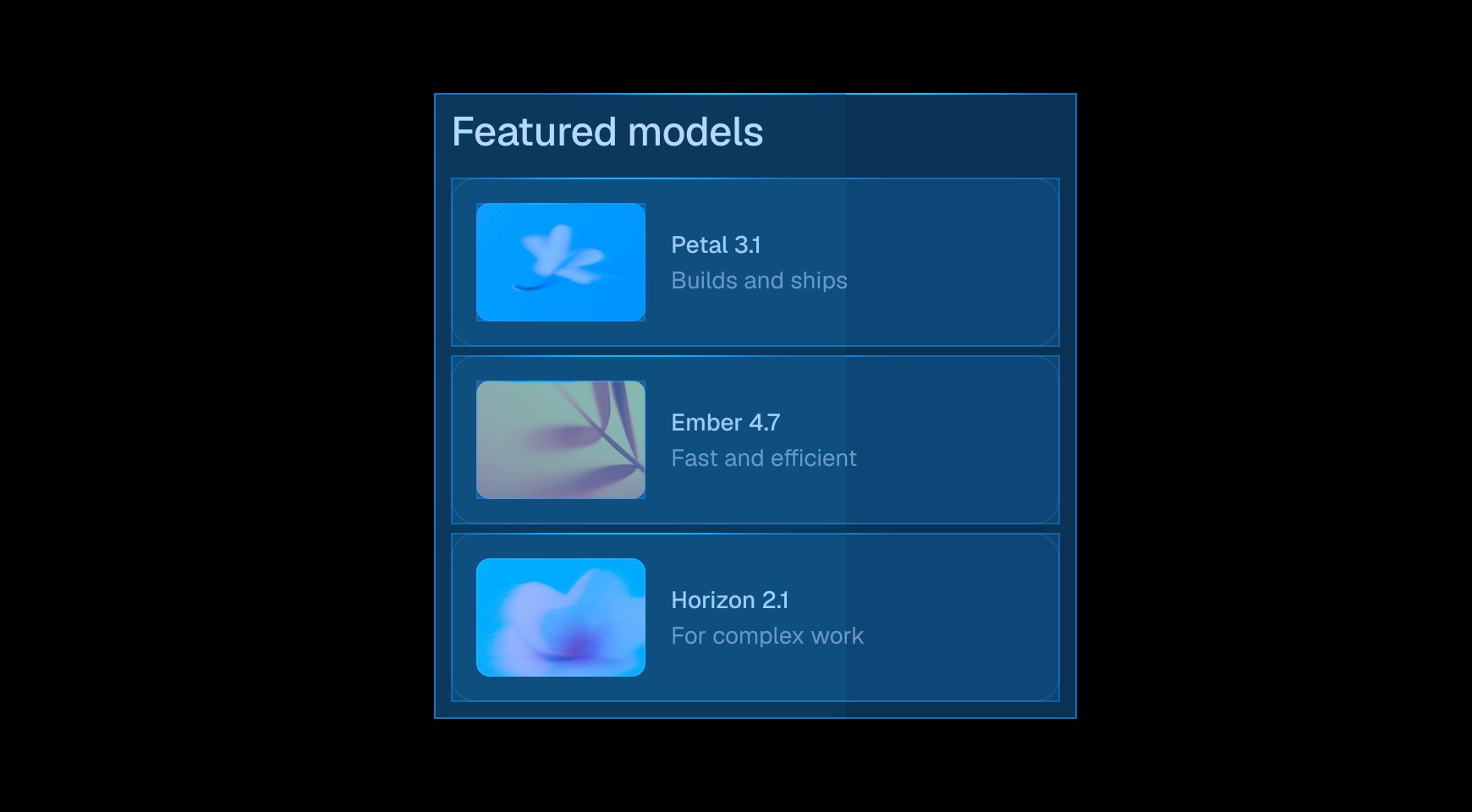

Framer gives designers control over layout, type, motion, and responsive behavior. Teams building a distinctive marketing site may prefer a tool focused on the page itself.




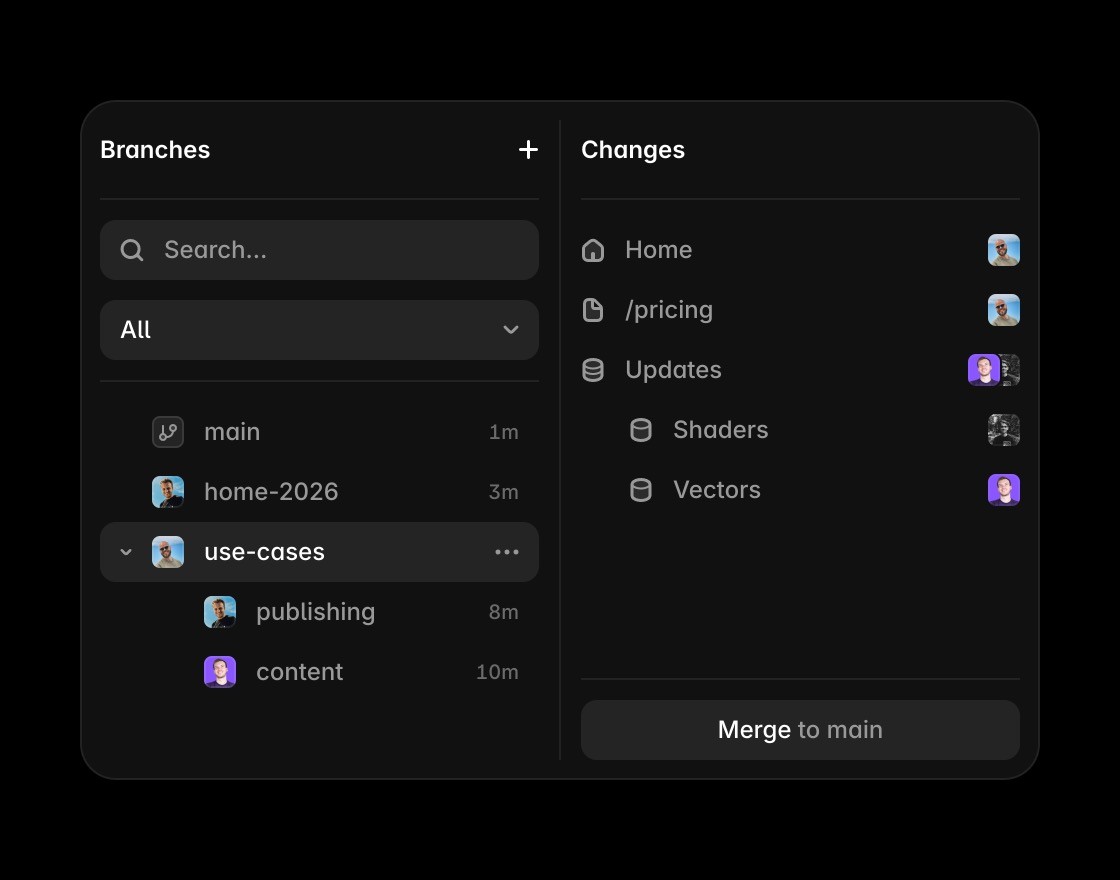
Framer Pro supports staging and branching, so teams can review a campaign or redesign before it changes the live site. That workflow suits frequent marketing releases.

Editors can update CMS records and judge them in the final layout. There is less distance between changing a field, checking the page, and publishing it.


Wix deserves the shortlist when native commerce, bookings, payments, or other business operations matter more than a tightly controlled design system.
Build custom websites with Framer
Framer adds AI-assisted creation while keeping the final website editable, custom, and ready to grow beyond Wix templates.
Framer’s canvas gives teams more control over layout, type, components, and breakpoints than a template-led workflow.
Use Framer CMS when a Wix comparison depends on content that needs to scale beyond a simple page set.
Framer keeps metadata, page structure, FAQs, and answer-ready content close to the website editing workflow.
Framer includes hosting, SSL, CDN delivery, redirects, and publishing without a separate infrastructure setup.
Browse Framer resources to see how templates and components can still lead to custom production sites.
The practical verdict on Framer vs Wix







Compare Framer with other tools














Frequently asked questions
What is the main difference between Framer and Wix?
Framer and Wix can both launch a hosted website with AI, CMS, and SEO tools. The useful distinction is ownership: Framer centers the visual design and publishing workflow, while Wix bundles a broader set of business tools such as stores, bookings, and customer management.
Who should choose Framer over Wix?
Pick Framer for a design-led marketing site that changes often. Pick Wix when the website needs to act as an all-in-one small-business operating system. Framer gives designers precise control over layout, type, motion, and responsive behavior. Wix is broader, but teams building a distinctive marketing site may prefer a tool focused on the page itself.
When is Wix the better choice?
Wix deserves the shortlist when native commerce, bookings, payments, or other business operations matter more than a tightly controlled design system.
How does the editing workflow differ from Wix?
Review changes before they reach production. Use staging and branches for larger updates, then publish the approved version without recreating it elsewhere. Marketing teams can edit a record, inspect the actual page, and adjust the surrounding design in one workflow.
How should a team compare Framer and Wix pricing?
Compare Framer's site capacity and branch workflow with the Wix plan and apps required for stores, bookings, payments, or customer management. Regional Wix pricing and promotions change, so the durable comparison is the full operating setup.
Can Framer and Wix be used together?
A team can keep operational workflows in Wix while moving a campaign or brand site to Framer, but running two public-site systems adds governance work. A clean split by domain or business function is easier to maintain than duplicating the same pages.
