Framer vs Squarespace: A design canvas or a curated website system?
Squarespace makes it straightforward to assemble a polished site from a guided system, with commerce and scheduling close at hand. Framer is the stronger candidate when a team wants to art-direct responsive pages, create its own component language, and release marketing work frequently.












Framer vs Squarespace for branded marketing and service websites
Decision factor | Framer | Squarespace | How to read the difference |
|---|---|---|---|
Starting point | Blank canvas, AI generation, or templates | Blueprint AI and curated templates | Framer leaves more of the visual system open |
Responsive control | Explicit breakpoint and layout controls | Responsive behavior within the Squarespace system | Framer fits teams that art-direct across devices |
Reusable design | Components, variants, and shared styles | Site styles, sections, and templates | Both promote consistency through different models |
Commerce and services | Handled with integrations and custom work | Commerce, invoicing, and scheduling ecosystem | Squarespace is convenient for service-led businesses |
Publishing workflow | Staging, branching, and managed hosting | Managed hosting and guided site administration | Framer favors iterative marketing releases |
Best fit | Custom brand and campaign sites | Portfolios, stores, and service sites | Match the platform to how often the design must depart from a template |
Framer and Squarespace pricing: account for the workflow, not only the plan
Pricing question | Framer | Squarespace | Planning note |
|---|---|---|---|
Evaluation | Publish a limited site for free | Start with a trial before selecting a paid plan | The entry path differs before a custom domain |
Core website | Basic is aimed at smaller published sites | Website plans package templates, hosting, and site features | Compare design workflow alongside the monthly price |
Growing team | Pro adds branching, staging, and more CMS capacity | Higher plans expand commerce and business capabilities | Growth means different things in each platform |
Additional services | Integrations may add cost for commerce or scheduling | Commerce, payments, and scheduling can carry separate fees | Include the business workflow in total cost |
Choose Framer when the template should not set the ceiling


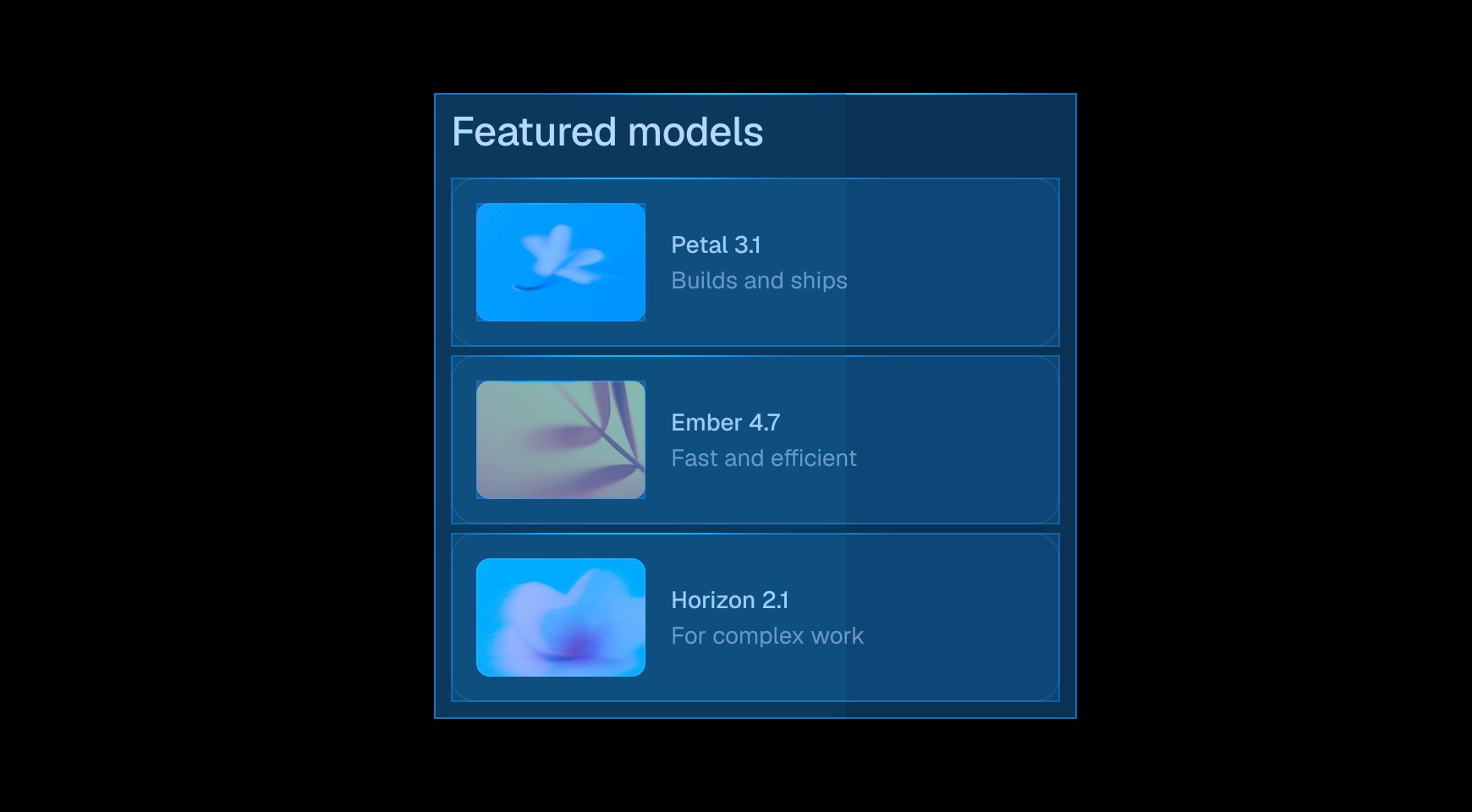

Framer exposes responsive layout on the canvas. Teams can tune campaigns for desktop, tablet, and phone instead of accepting a template-governed result.




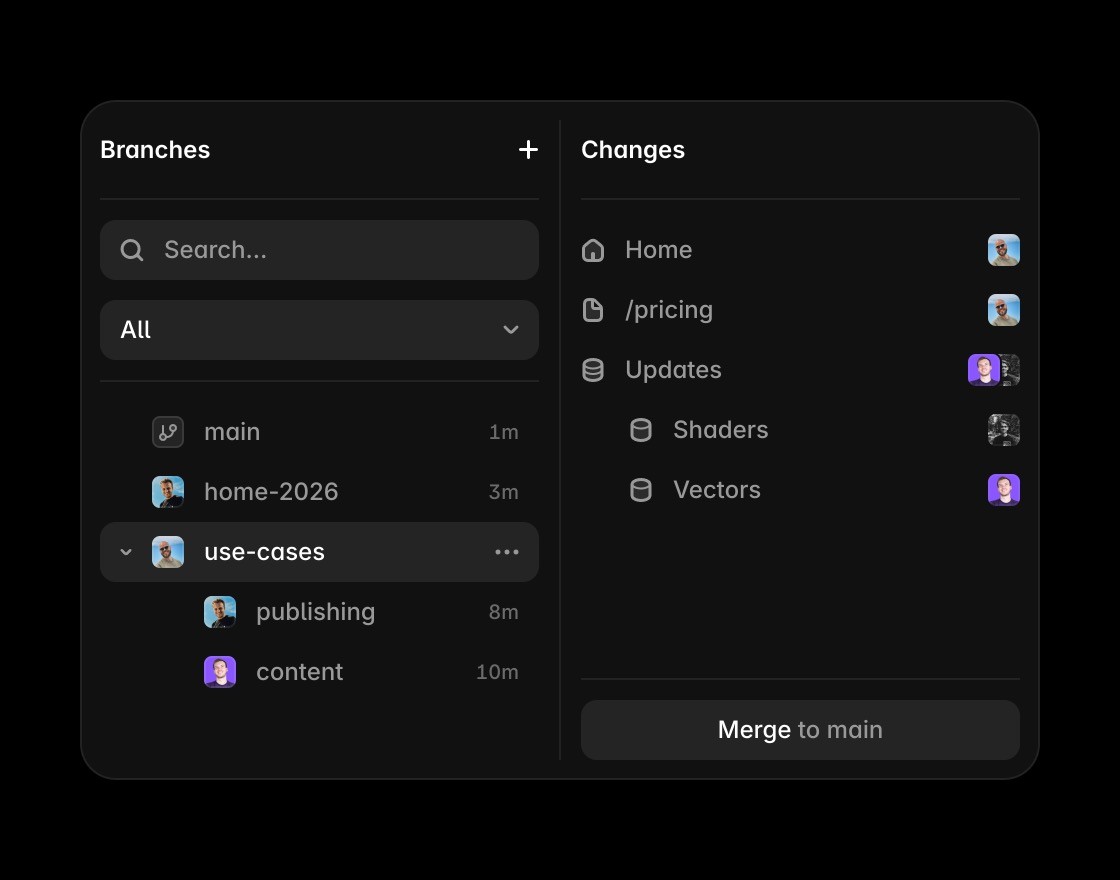
Components and shared styles let a custom visual language travel across product, campaign, and editorial pages without rebuilding every section.

Metadata, headings, redirects, CMS content, and page structure stay close to the visual editing workflow, which helps marketers own routine optimization.


Squarespace remains attractive for portfolios, service businesses, stores, and appointment-led sites that value a curated setup more than granular design control.
Move beyond template limits
Framer adds AI-assisted creation while keeping the final website editable, custom, and ready to grow beyond Squarespace templates.
Framer’s canvas gives teams more control over layout, type, components, and breakpoints than a template-led workflow.
Use Framer CMS when a Squarespace comparison depends on content that needs to scale beyond a simple page set.
Framer keeps metadata, page structure, FAQs, and answer-ready content close to the website editing workflow.
Framer includes hosting, SSL, CDN delivery, redirects, and publishing without a separate infrastructure setup.
Browse Framer resources to see how templates and components can still lead to custom production sites.
The practical verdict on Framer vs Squarespace







Compare Framer with other tools














Frequently asked questions
What is the main difference between Framer and Squarespace?
Squarespace makes it straightforward to assemble a polished site from a guided system, with commerce and scheduling close at hand. Framer is the stronger candidate when a team wants to art-direct responsive pages, create its own component language, and release marketing work frequently.
Who should choose Framer over Squarespace?
Use Framer when the site needs a proprietary visual system and an active release cadence. Use Squarespace when a curated template and packaged business features are the point. Framer exposes responsive layout and positioning on the canvas. Teams can tune a campaign for desktop, tablet, and phone instead of accepting a mostly template-governed result.
When is Squarespace the better choice?
Squarespace remains attractive for portfolios, service businesses, stores, and appointment-led sites that value a curated setup more than granular design control.
How does the editing workflow differ from Squarespace?
Build new page types without waiting for a theme. Designers can create a fresh composition for a launch while reusing the navigation, footer, tokens, and trusted modules. CMS records appear in the page design, making it easier to catch awkward lengths, hierarchy issues, and responsive problems before publishing.
How should a team compare Framer and Squarespace pricing?
Price the custom-domain site, collaborators, commerce or scheduling services, and the release process. Framer Pro carries value for staging and branches; Squarespace tiers carry value through packaged business features.
Can Framer and Squarespace be used together?
Some organizations keep commerce or scheduling in Squarespace and publish a separate Framer marketing site. That arrangement works when navigation, domains, analytics, and content ownership have explicit boundaries.
